
Aduno Pay for education and courses
One education provider. Many payment routes. One solution.
Course booking online, payment at reception, a music lesson or lunch service: Aduno Pay connects the different payment situations at your educational institution through one platform. Online, on site, mobile — with or without a till.
Payment situations
Where people pay in education.
Four situations, four requirements. Scroll through — each one has a solution that fits.
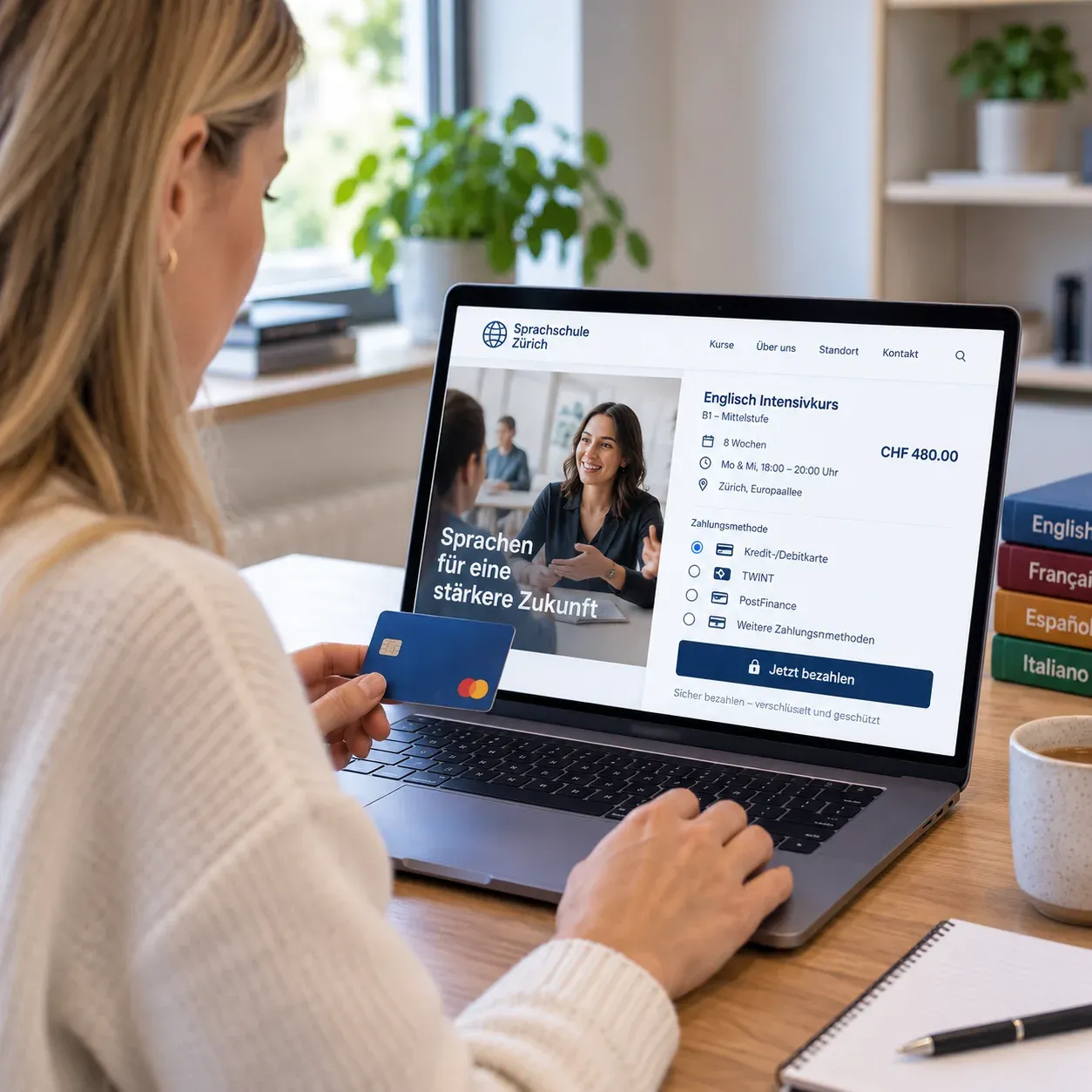
01Online registration
Book courses and pay right away
Language course, further training, workshop or seminar: today people mostly register online. With integrated online payment, the registration becomes a completed booking straight away — not an invoice somebody has to chase.
Matching solution
- Online payment right inside the booking flow
- Credit and debit cards as well as mobile payment
- A payment reference that matches booking and payment
- Integration into existing booking or course platforms
- Automatic payment confirmation
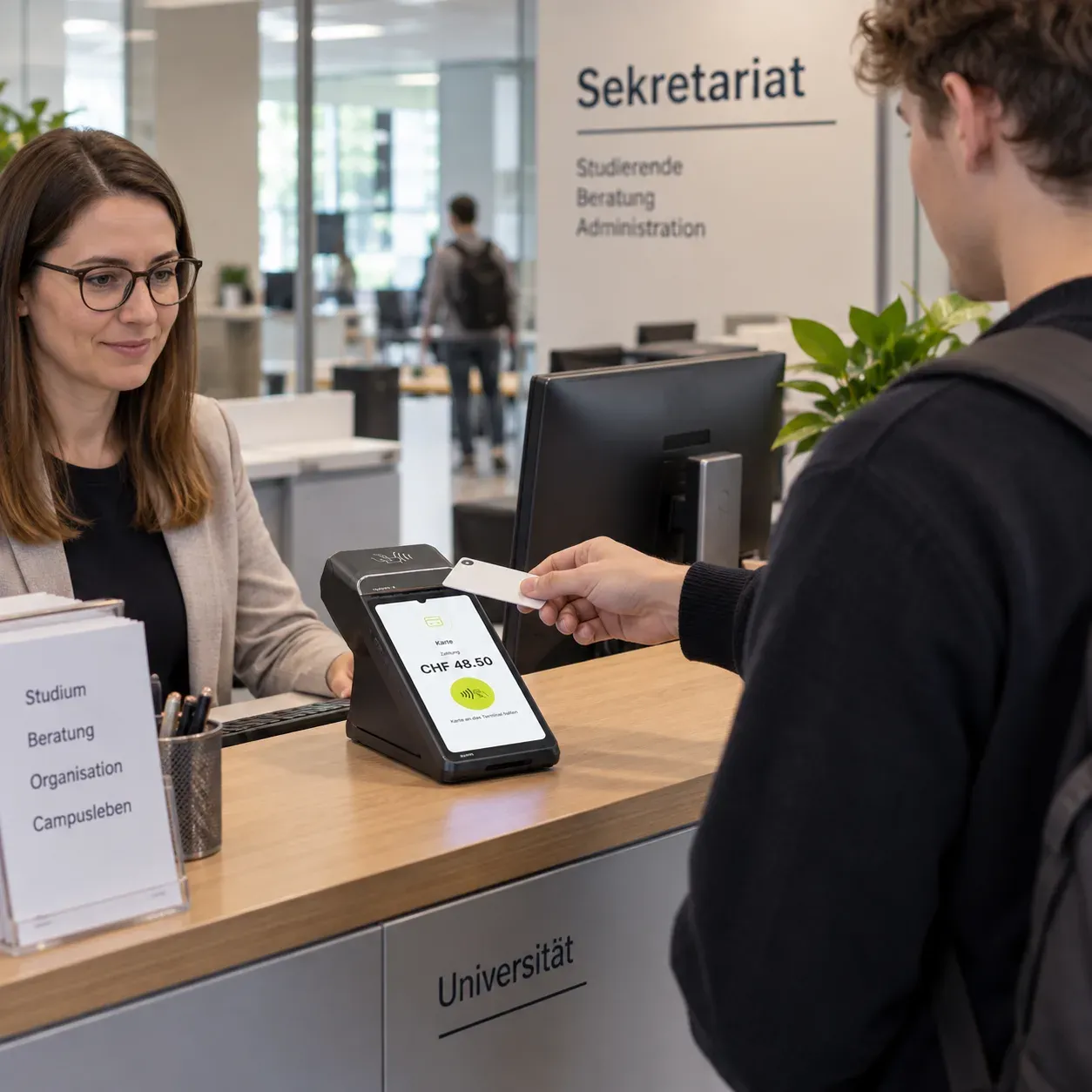
02Reception
At reception and in the office: settled on the spot
Course fees, enrolments, certificates or extra services: whatever comes up on site is paid right away and recorded cleanly — no invoice, no chasing.
Matching solution
- Till solution for fast handling
- Services and fees stored right on the device
- Card payment and till on one device
- Free amount entry for special cases
- Receipt digital or printed
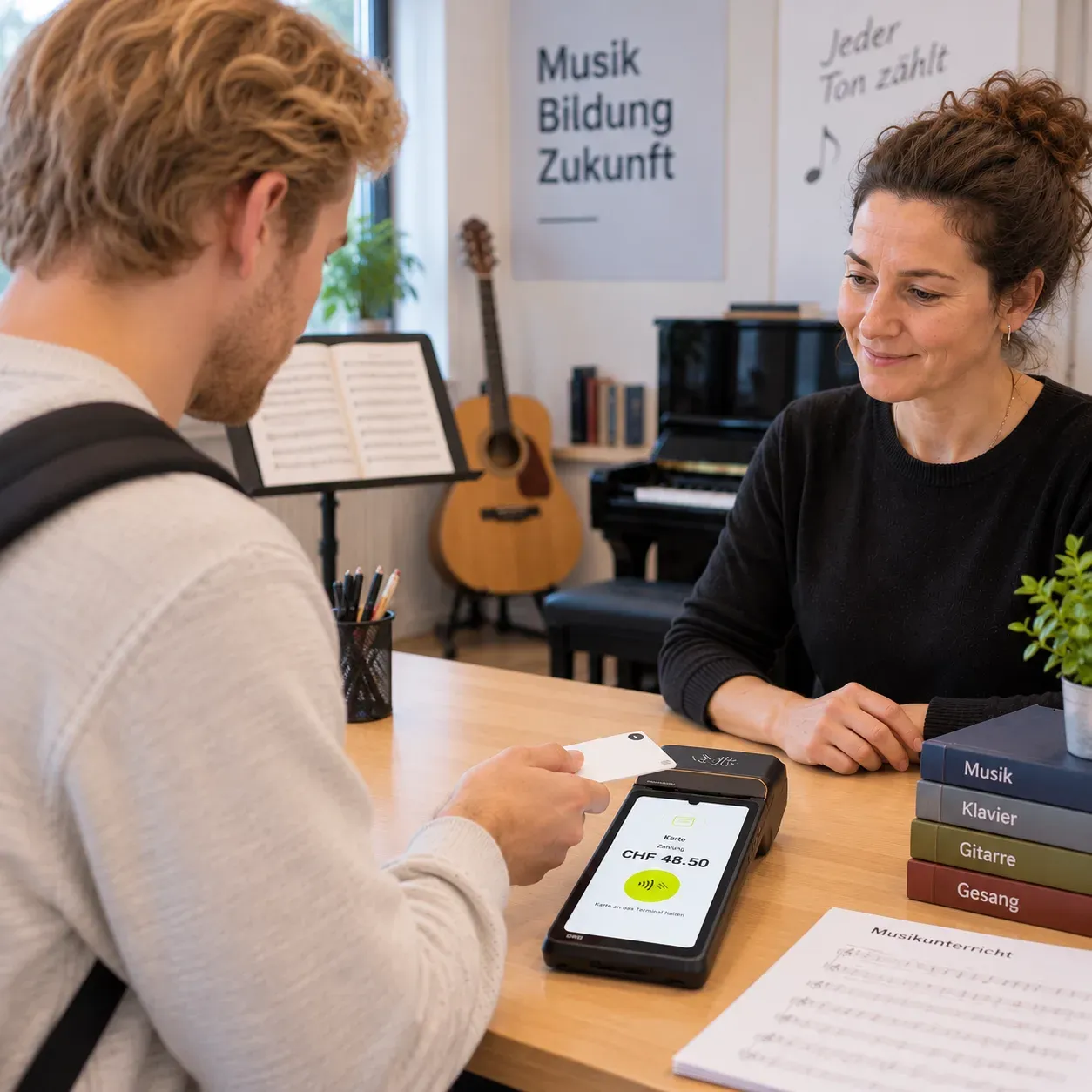
03Lessons
Pay for the lesson on the spot
Music lesson, driving lesson, tutoring or one-to-one coaching: where billing is per lesson, the payment should happen where the teaching happens — not later on an invoice somebody has to chase.
Matching solution
- A mobile terminal right in the teaching room
- SoftPOS on compatible Android smartphones, without any extra device
- Single lessons and subscriptions stored as items
- Free amount entry for special cases
- Assignment to the teacher
- Receipt immediately, digital or printed
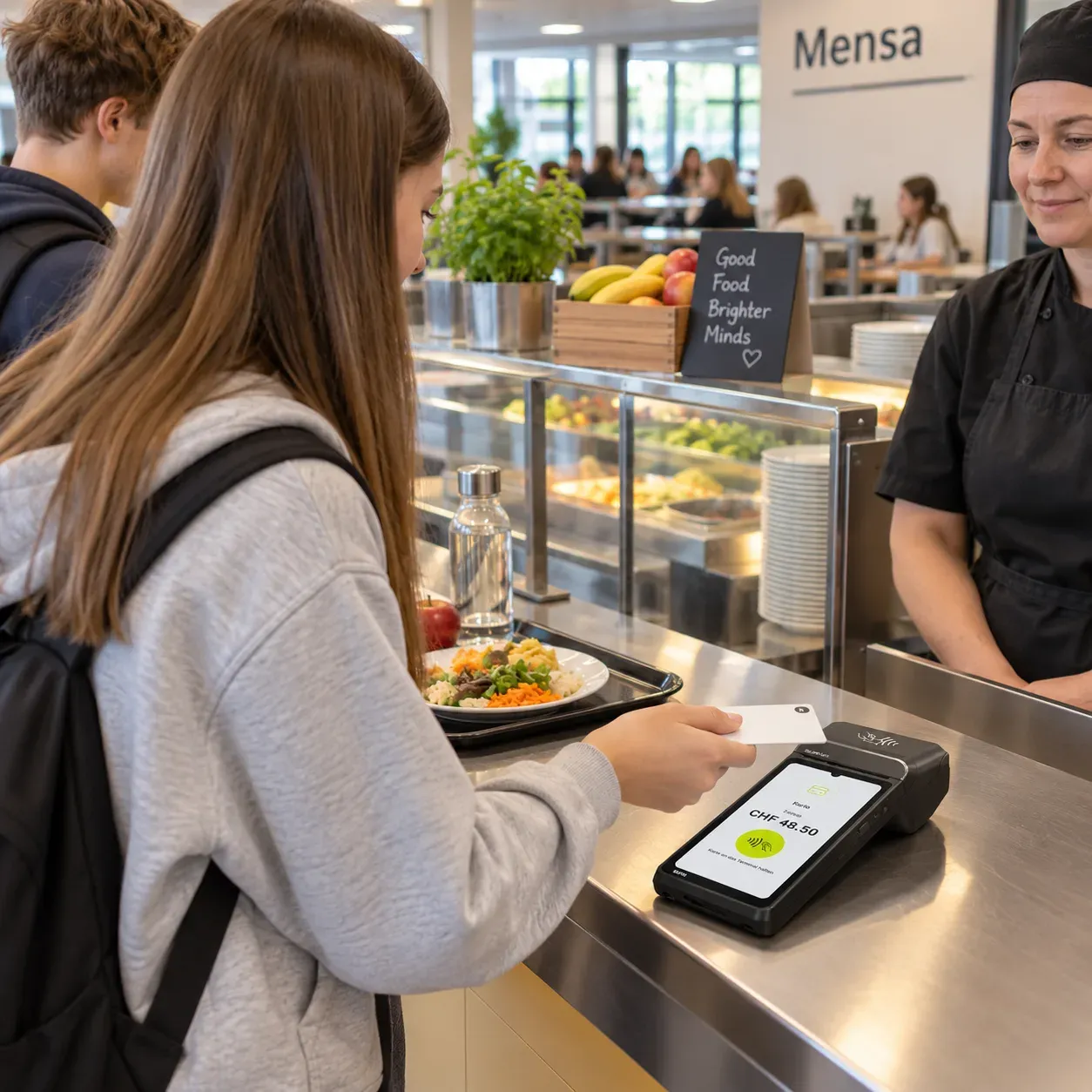
04Canteen
In the canteen and cafeteria: when many pay in a short time
Every second counts during the break. Food, drinks and snacks have to be chosen and paid for before the next lesson starts — without a queue forming.
Matching solution
- Fast till integration
- Contactless card payment
- Apple Pay, Google Pay and other wallets
- TWINT
- Till and payment possible on one device
- Report on several points of sale centrally
Benefits
Why switch to Aduno Pay?
One platform for the different payments at your educational institution.
One platform
Online, at reception, in lessons or in the canteen: all through the same platform.
Till integrated
Select products and services right on the payment device and take payment.
Clean assignment
Every transaction can be assigned to a payment point and a use case.
Everything in one place
Payments, devices and payouts centrally in the Aduno Pay portal.
Scales flexibly
Put new devices and temporary payment points where they are needed.
From Switzerland
Advice and support from Baden, in German, French and Italian.
Till and payment
On the device: select, take payment, done.
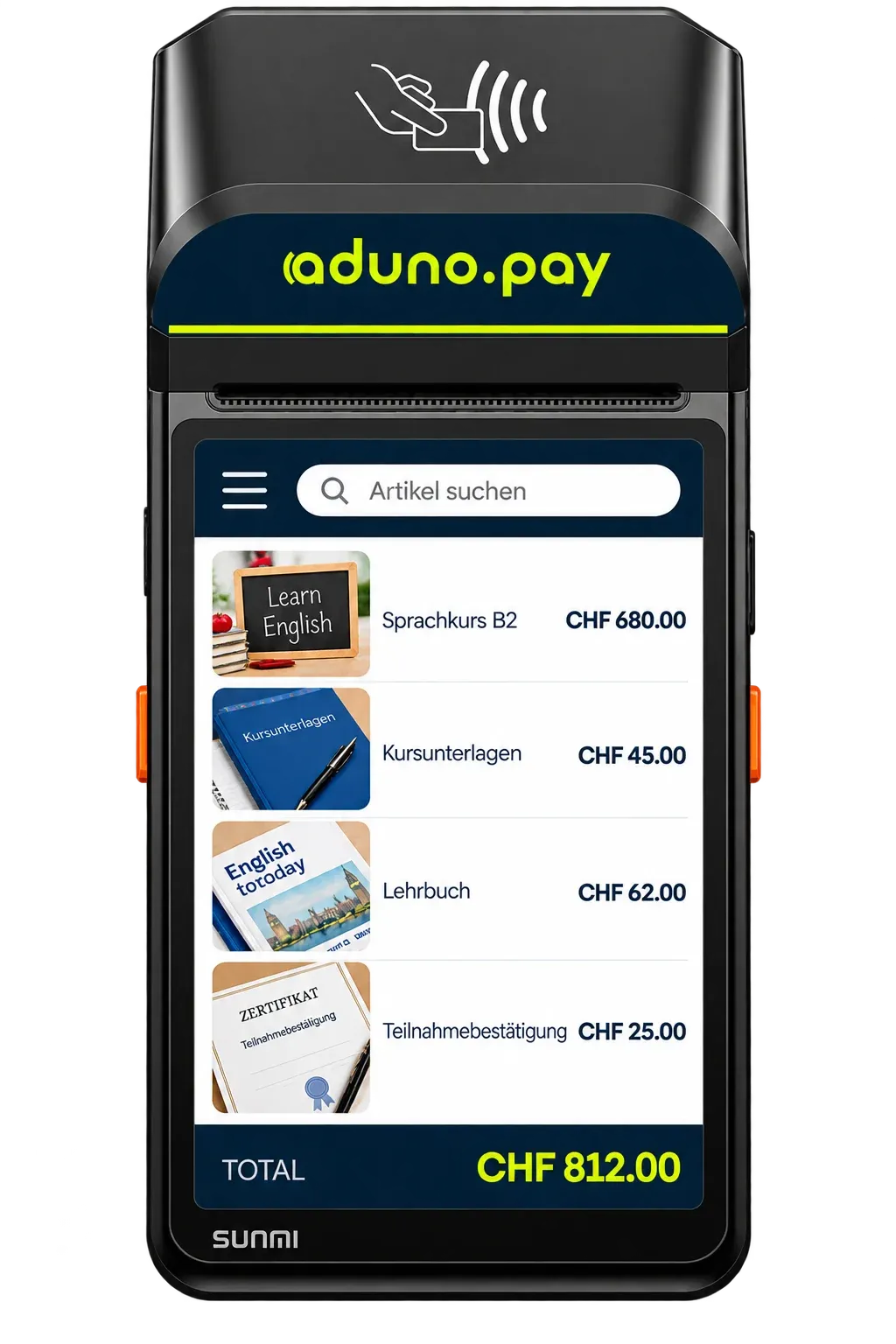
Not every educational institution needs its own till system at every payment point. Courses, products and services can be stored right on the payment device: your staff tap the item and the amount is taken over automatically.
This is what a range looks like
- Language course B2
- CHF 680.00
- Course materials
- CHF 45.00
- Textbook
- CHF 62.00
- Certificate of attendance
- CHF 25.00
The amounts in the picture are an example. Which courses, products and services are stored at which amounts is up to you — we set the range up before it goes live.
Five steps on the device
Tap the item
The stored range appears right on the device.
The amount is there
The price is taken over automatically. Nothing to key in, nothing to recalculate.
The customer pays
Card, smartphone or TWINT on the same device. Cash payments can be recorded too.
Issue the receipt
Printed or digital, depending on what someone needs.
The sale is recorded
Product, amount, time and payment point are stored.
Accounting
From the payment into your accounts.
The route every single amount takes — and the point where it passes into your own processing.
- PaymentSomeone pays online or on site.
- Aduno PayThe payment is processed.
- TransactionAmount, time and payment point are recorded.
- PayoutThe amounts go to the account on file.
- ExportTransactions and payouts are available in structured form.
- AccountingThe data serves reconciliation and further processing.
This is how the data comes out
- Transaction list as a file, per payment point or for the whole institution
- Payout overview with the transactions it is made of
- Reporting by payment point
- Regular exports instead of printing by hand
- A technical interface for automated workflows
How the data actually reaches your accounting or your existing systems, we work out from the software you use. This page promises no ready-made interface to a particular product.
Payment infrastructure
For every situation the right form.
Six solutions, one platform behind them.

Stationary terminal
For reception, the office and fixed points of sale. Plug in, switch on, done.

Mobile terminal
For teaching on site, events and everything that does not stay in one place.
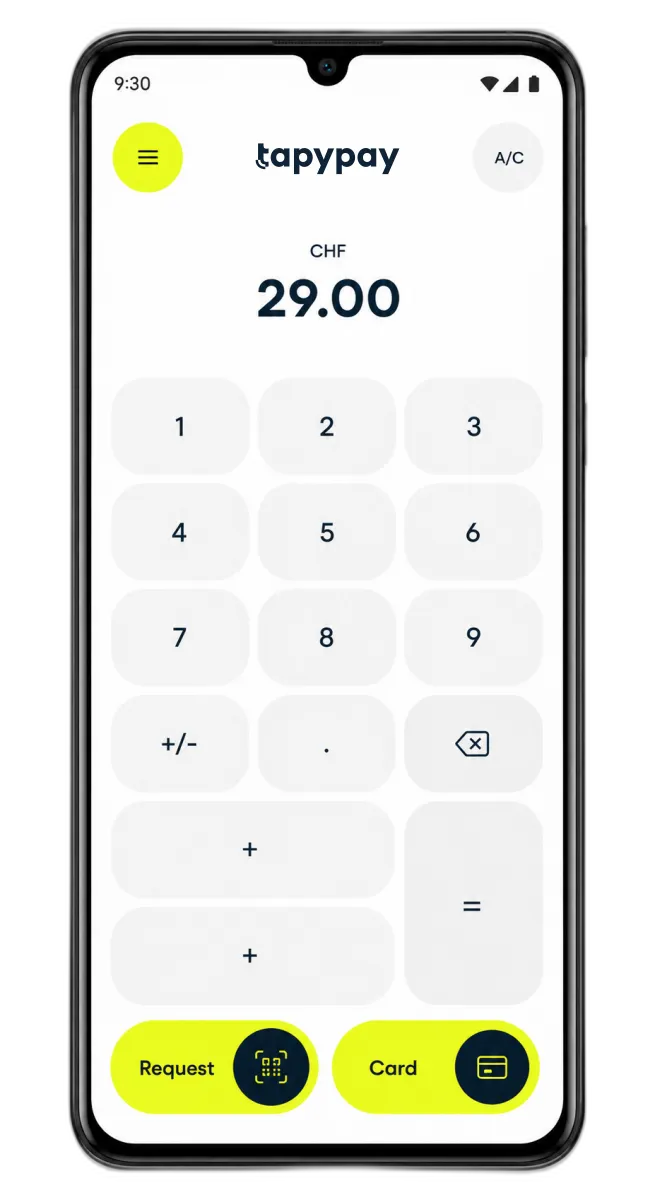
SoftPOS on the smartphone
A compatible Android smartphone becomes the payment terminal. No extra device.

Till with payment
Select products and services and let people pay on the same device.

Till integration
Connect payments to a till solution you already have.

Online payment
For course bookings, registrations and other digital offerings.
Central administration
Everything in one place.
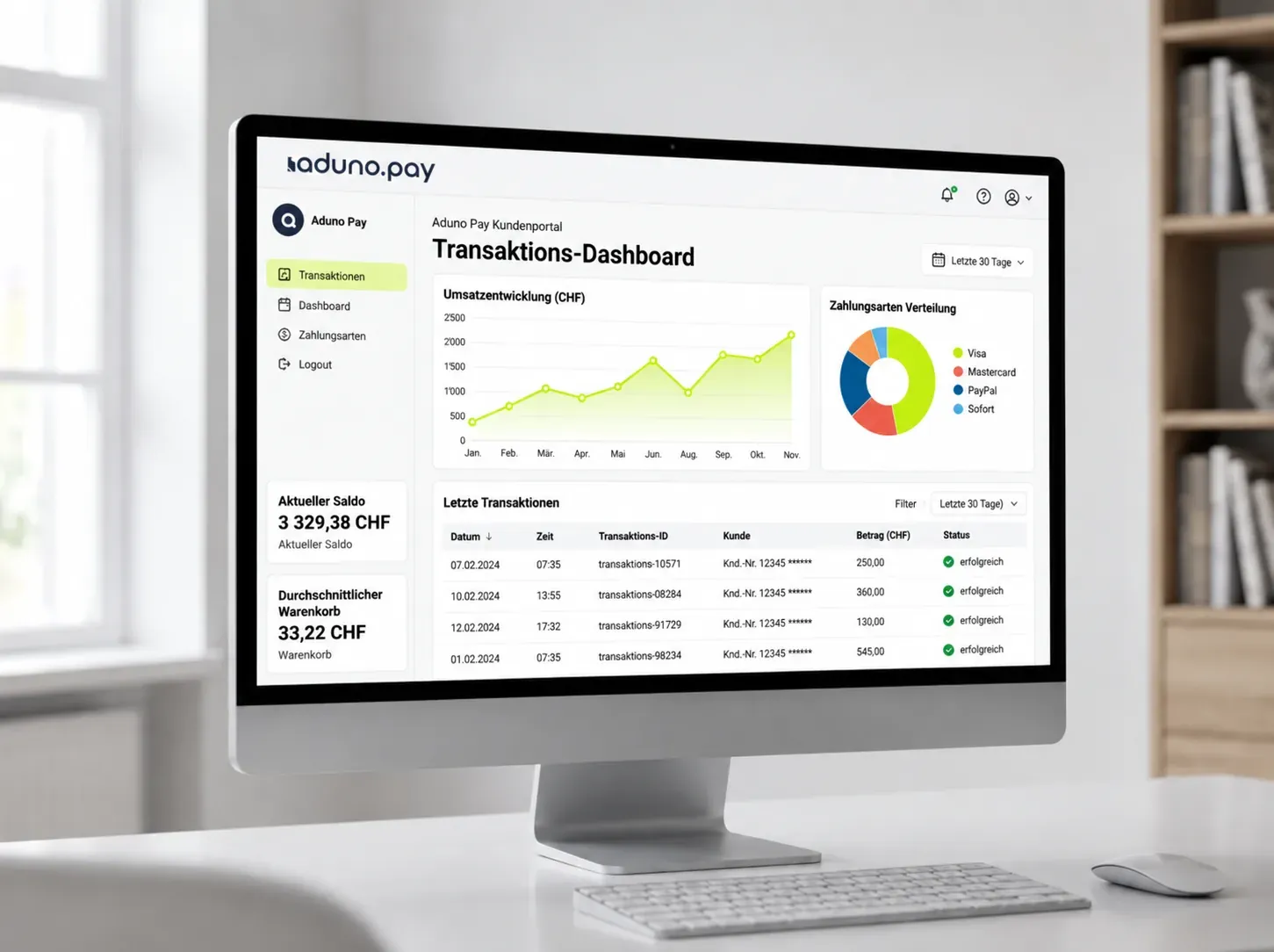
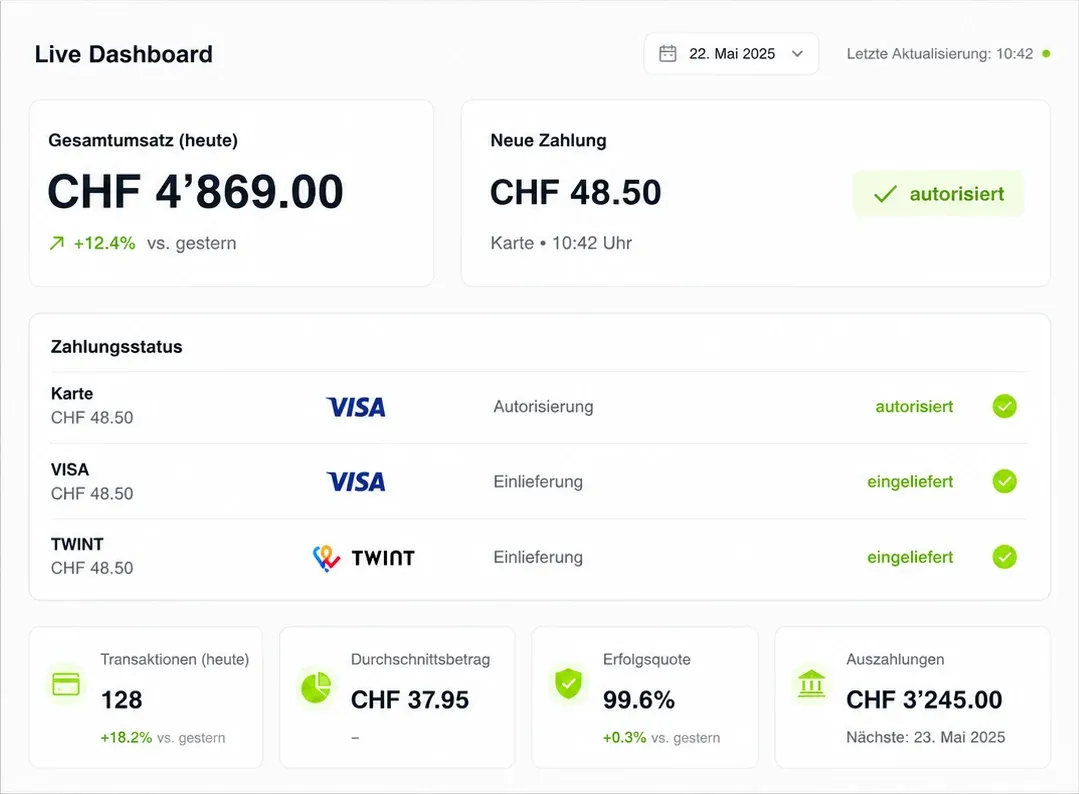
Online booking, reception, lessons or canteen: in the Aduno Pay portal you see where payments come in and manage your payment infrastructure centrally.
- Turnover per payment point, up to date daily
- Search individual transactions and trace them
- View payouts and see what they are made of
- Manage devices centrally
- Access and permissions for staff
This is what you accept
Card, phone or cash — the same at every payment point in your institution.
 Visa
 Mastercard
 Apple Pay
 Google Pay
 Samsung Pay
 TWINT
 PostFinance
 Boncard
 Lunch-Check
- Cash
Costs and origin
Traceable — and from Switzerland.
Two things people ask about first in a procurement.
Transparent costs
- Clear conditions for devices and transactions
- The costs are fixed before you sign
- Several payment points can be looked at together
- No surprise items on the statement
Swiss payments
- Aduno Pay is a Swiss payment provider based in Baden.
- Advice, setup and support in German, French and Italian
- Named contacts instead of a ticket number
- Broad support for the common Swiss payment methods
Getting started
From the enquiry to the first payment.
Five steps we take together. We look first at which payment situations you have and which solution fits them.
Conversation
We look at where payment is taken today and which systems are already in use.
Proposal
You get a recommendation for the different payment situations.
Decision
You decide which solutions you want to use.
Setup
We set up devices, payment points, the range and access.
Start
The solutions go live and your staff get a short introduction.
Offer
Your payment terminal at no cost.
Reach CHF 200'000 in payment turnover with Visa, Mastercard and TWINT within 12 months and keep using your payment terminal free of charge.
For new customers, with no minimum contract term. The terminal remains the property of Aduno Pay and is provided to you for the duration of the contract.
Cannot be combined with other Aduno Pay promotions.
No minimum contract term
If the solution does not suit you, you cancel under the applicable terms and return the terminals.
Enquiry
Let's look at your payment situations.
Write us a short note about who you are and where payment is taken today. We will get back to you personally and look at your situation together.