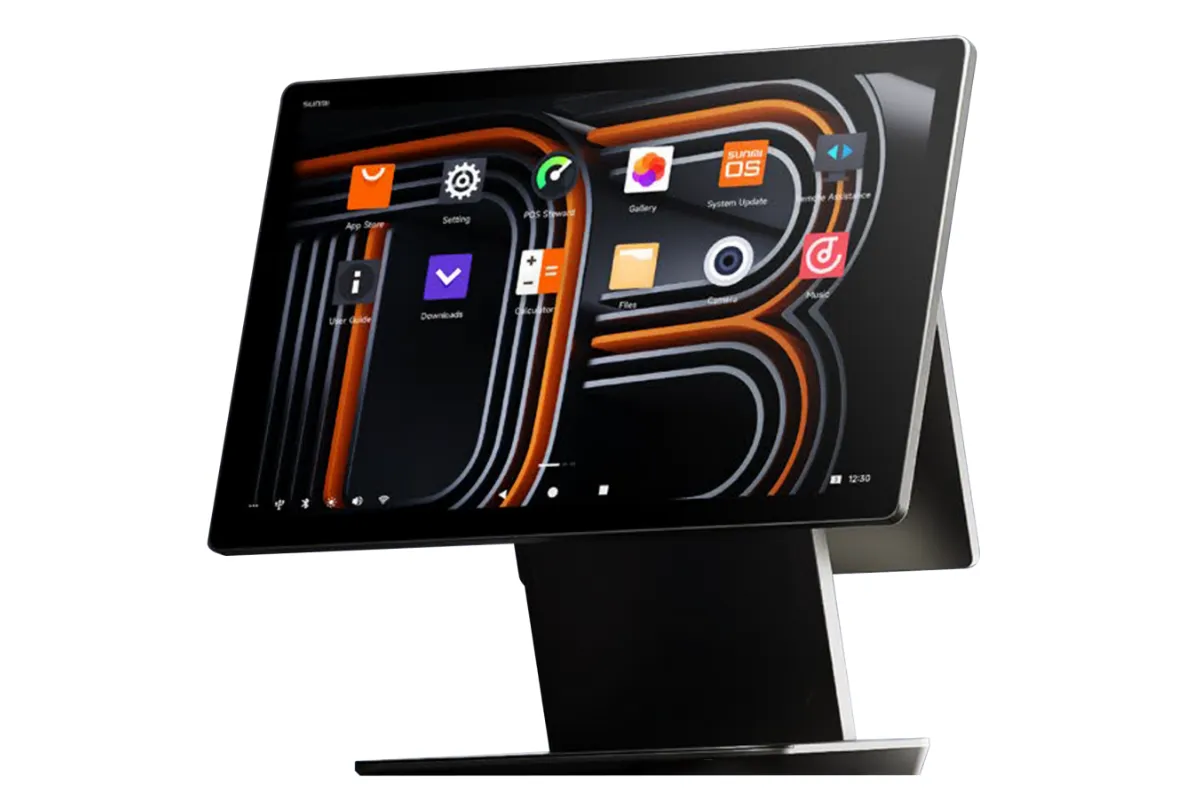
Orderzilla
App-based till — it runs on the payment device or on a separate device.
- App-based till, on the payment device or separate
- Discounts, customer management and barcodes
- Cloud backend with reporting for your accounts
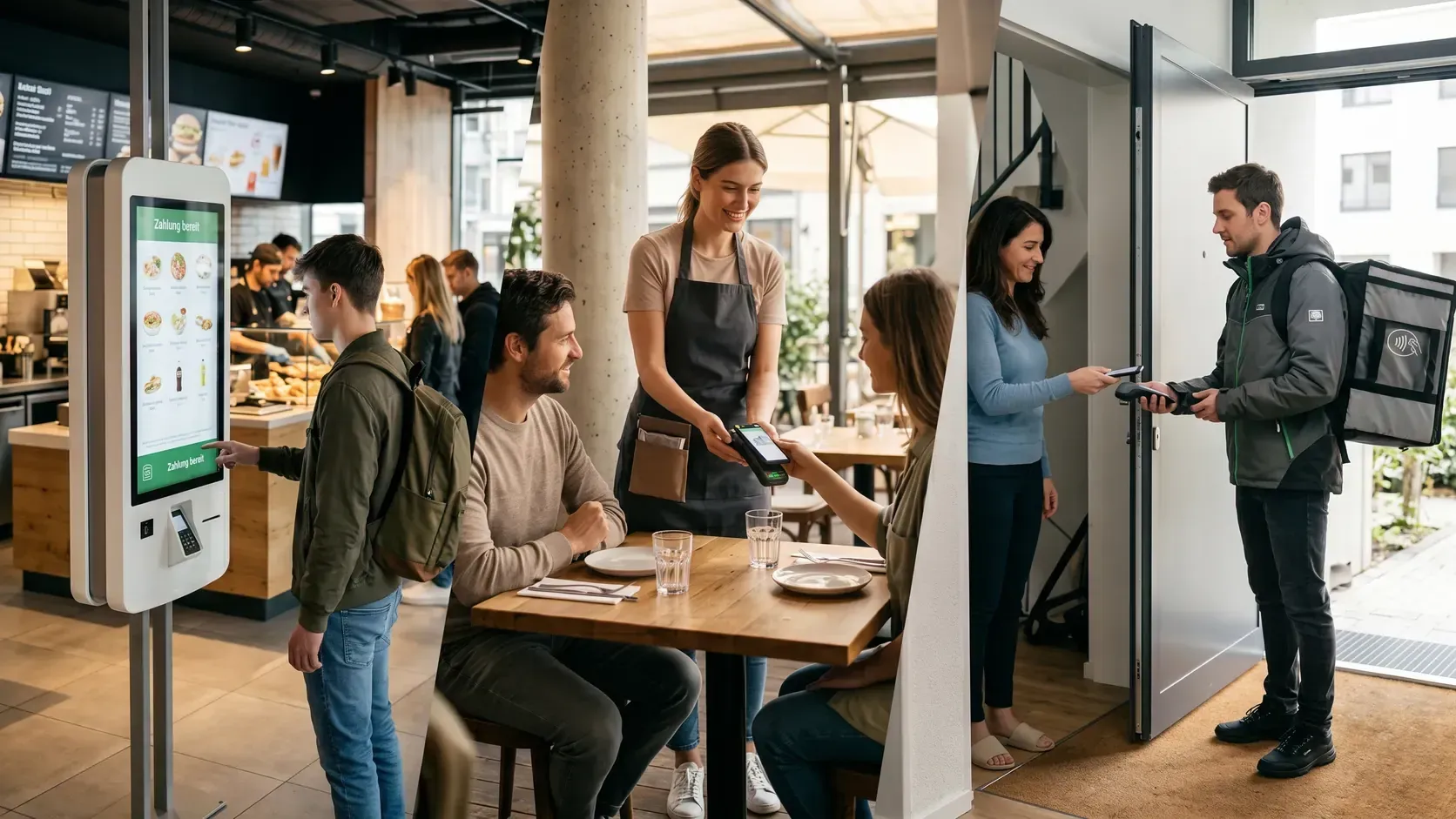
Aduno Pay for food service and take-away
Café, take-away, pizzeria with couriers or restaurant with a terrace: till and payment run on one device, Lunch-Check included. You pick the package, payments are ready in 2 working days.
Payment situations
Five situations, five requirements. Scroll through — each one has a solution that fits.
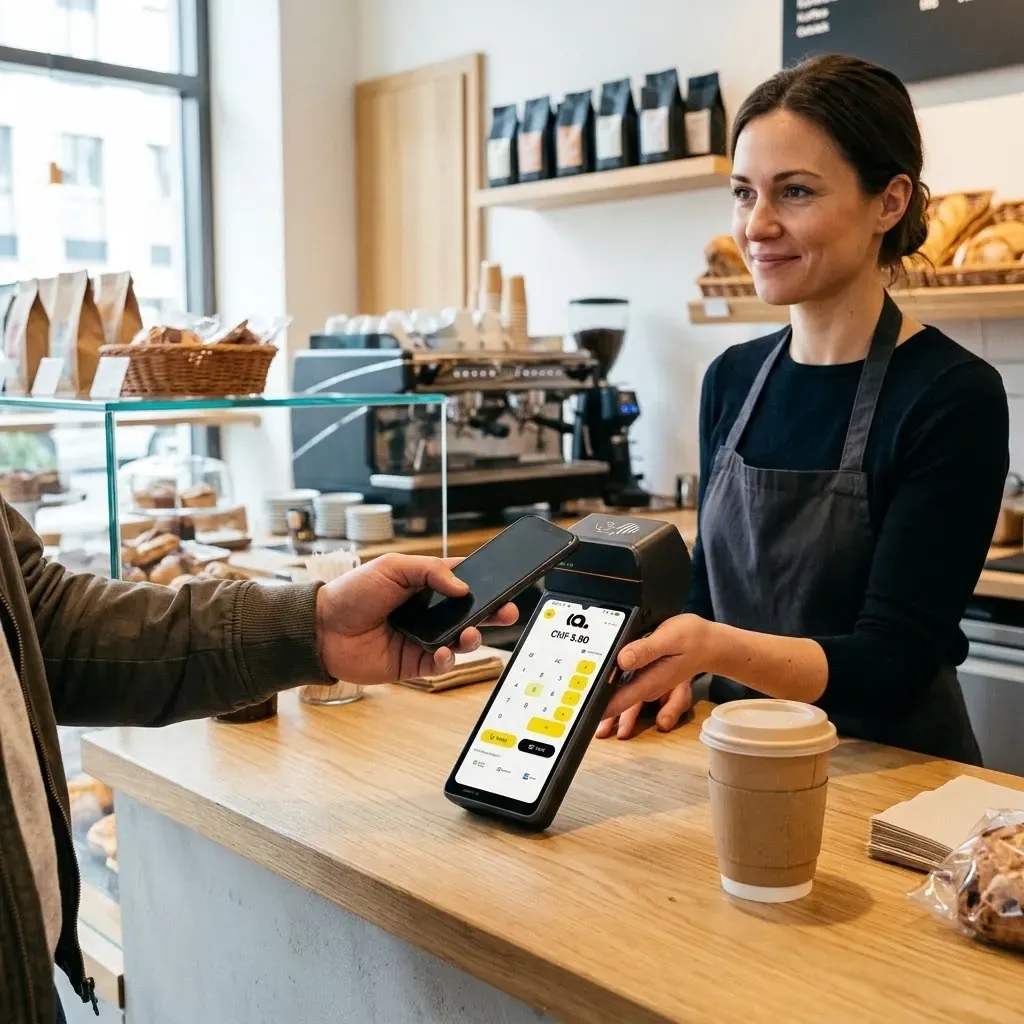
01Counter
The lunchtime rush, coffee to go, a menu eaten in — and depending on the case a different VAT rate. That is for the till to know, not for your staff.
Matching solution
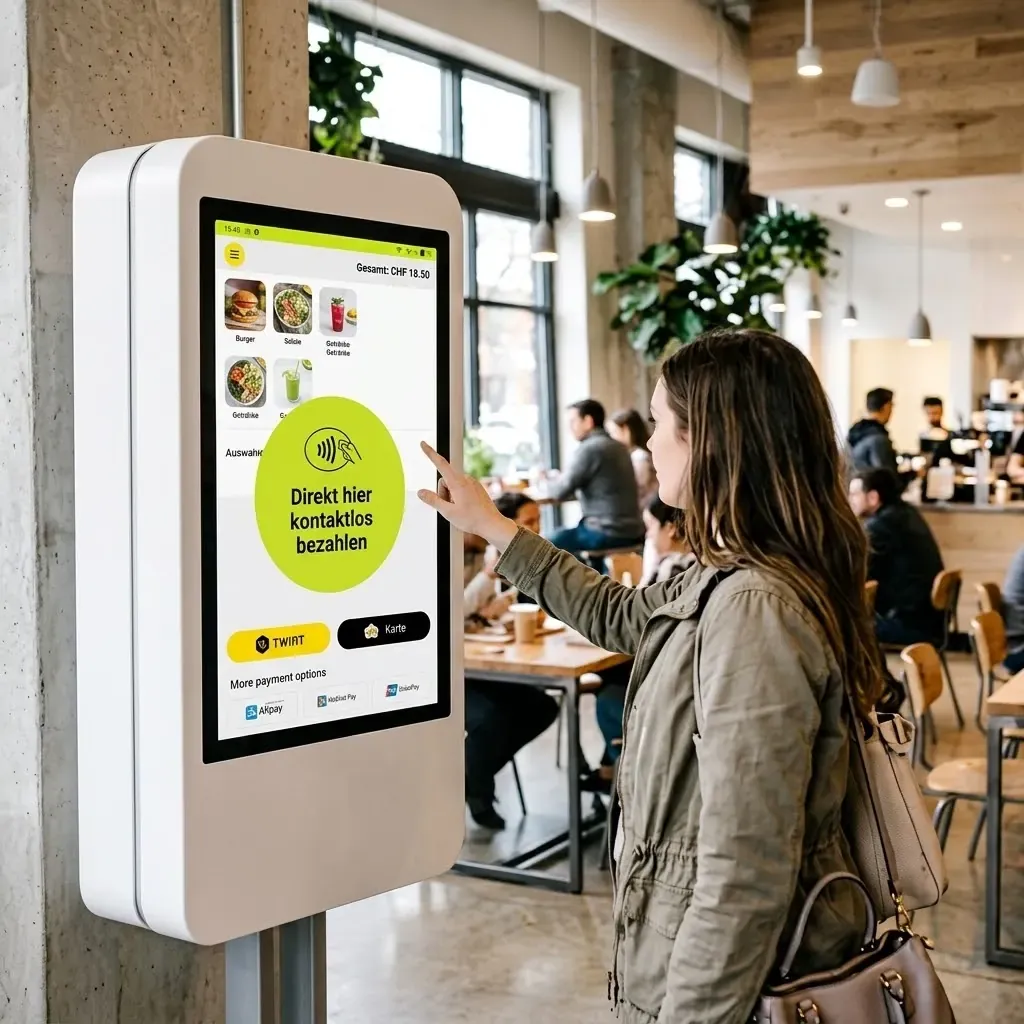
02Self-ordering
Guests order and pay at the screen and collect at the pass. The kitchen sees the order the moment it is paid.
Matching solution
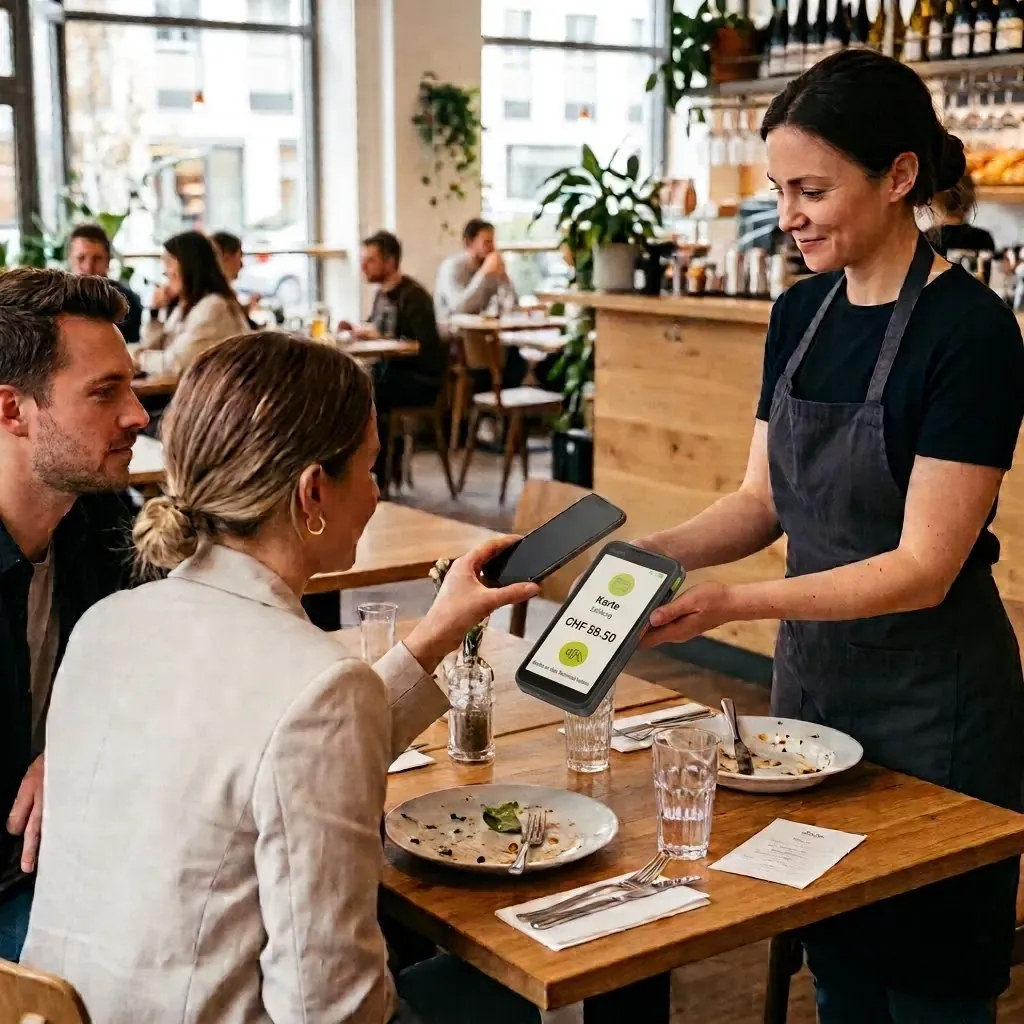
03Table
Take the order, send the ticket to the kitchen, take payment at the table — with the tip and without anyone walking to the till.
Matching solution
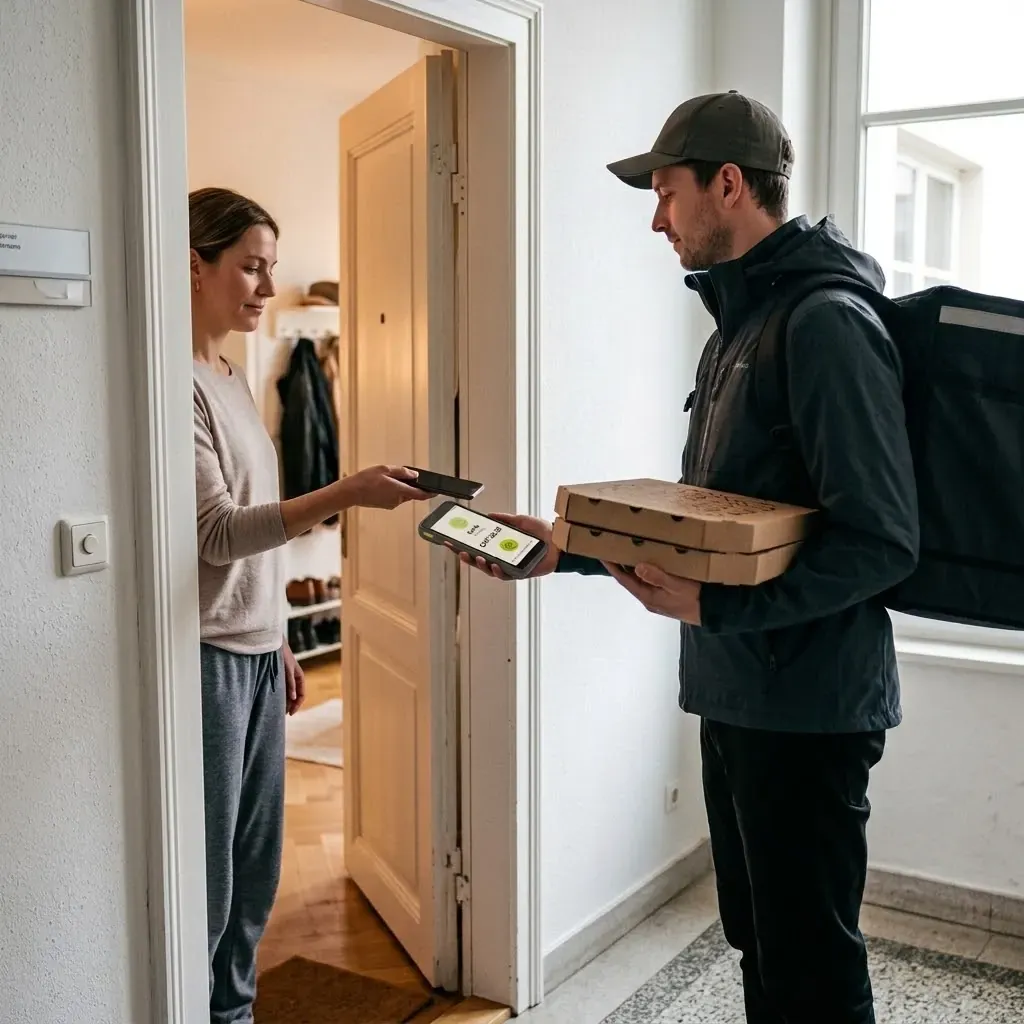
04Delivery
The pizza arrives, payment happens at the door — by card, phone or TWINT. The courier carries no cash out and brings none back.
Matching solution
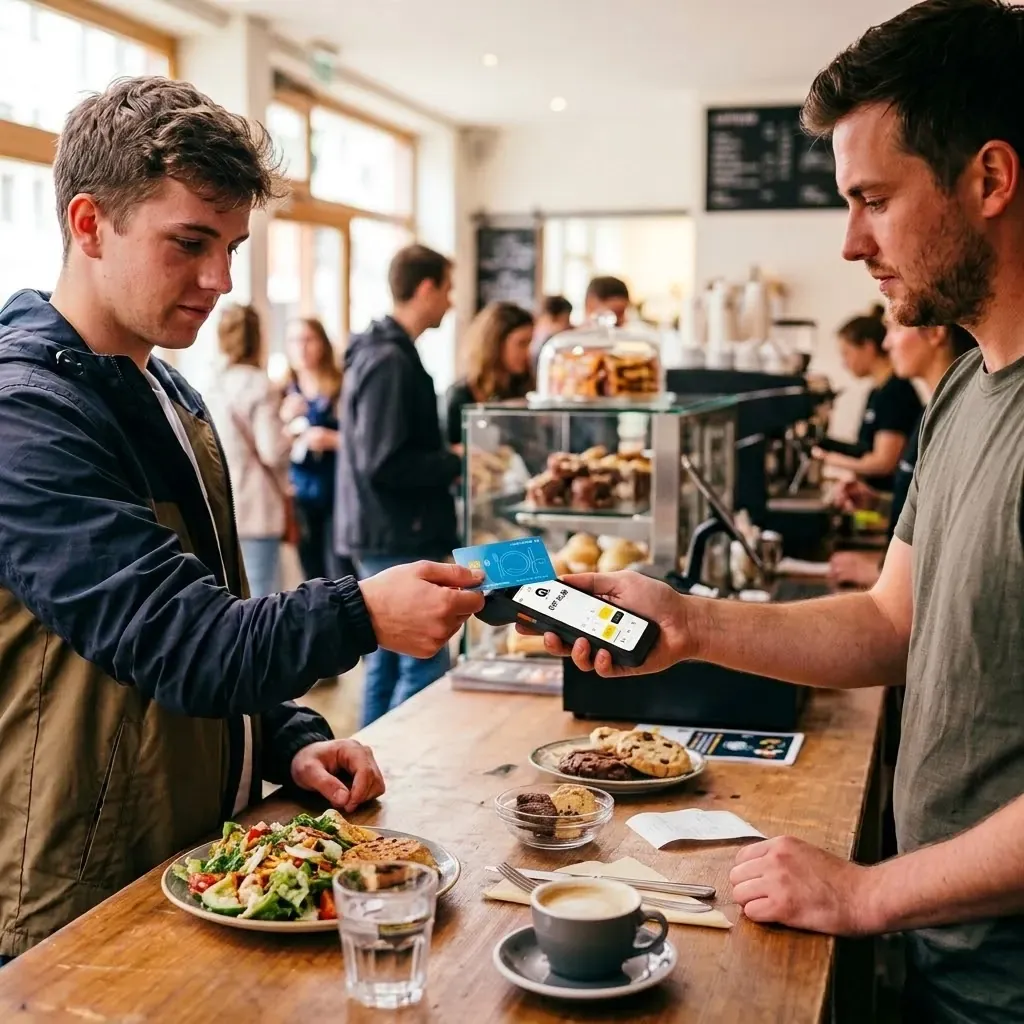
05Lunch-Check
Many guests pay at lunchtime with their employer's meal card. On the same device as everything else, without a second terminal on the counter.
Matching solution
Looking ahead
An idea we are pursuing with Orderzilla — not a product yet. We are looking for businesses willing to try it with us.
Idea — we are looking for pilot sites
Order and pay at the screen or by QR code from your sunbed, and see on a display when the food is ready. The business sees the pre-orders, plans the portions and spreads out the lunchtime rush. Still open are ordering by QR code from the sunbed and the ready notice on the phone.
Benefits
One solution for the counter, the table, the screen and delivery.
Lunch-Check, Boncard and Reka on the same device.
Sign up today, take payments the day after tomorrow.
Network fees passed on 1:1, plus 0.45% service fee.
The speedy till works offline, and the devices have their own SIM.
Turnover, payouts and devices in one place.
Advice and support from Baden, in three languages.
Till and payment
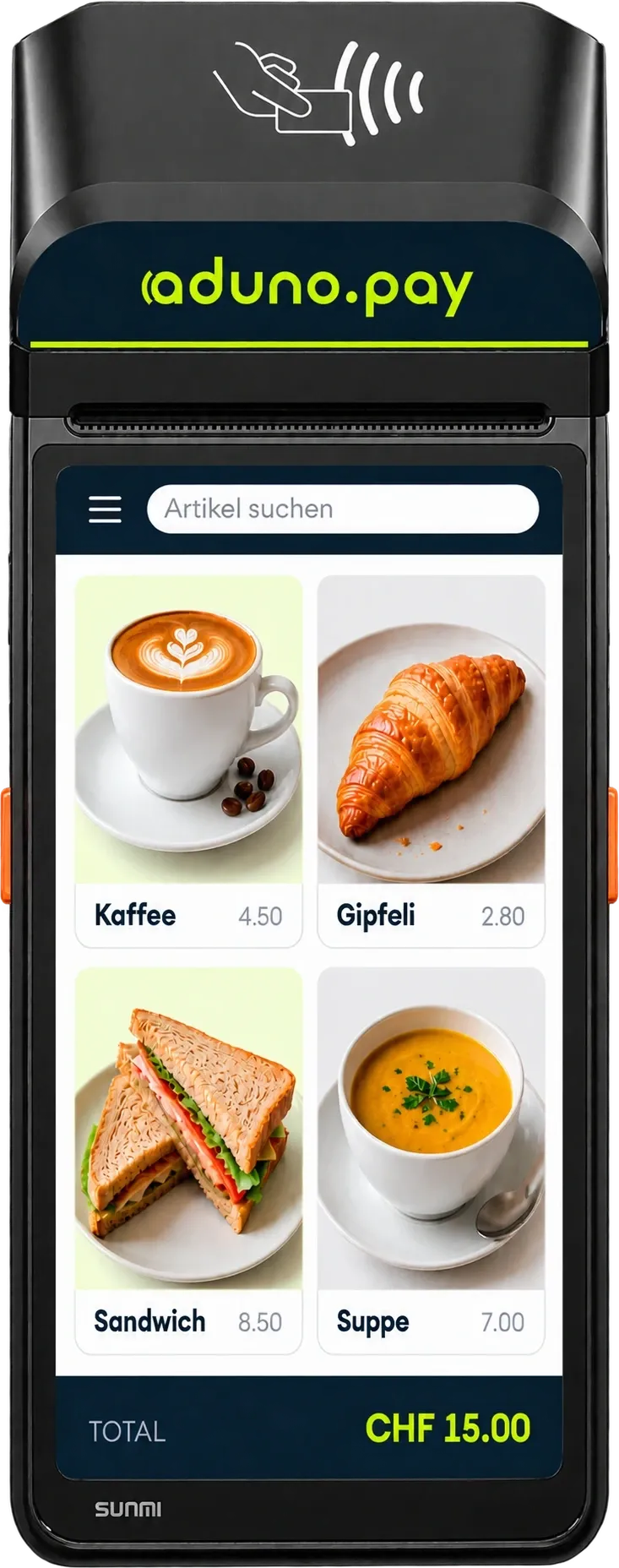
The till knows your menu: coffee, menu of the day, pizza to go — tapped, charged, ticket to the kitchen. And the VAT sits where it belongs.
The items and amounts in the picture are an example. What is stored, at which amount and at which tax rate, is up to you.
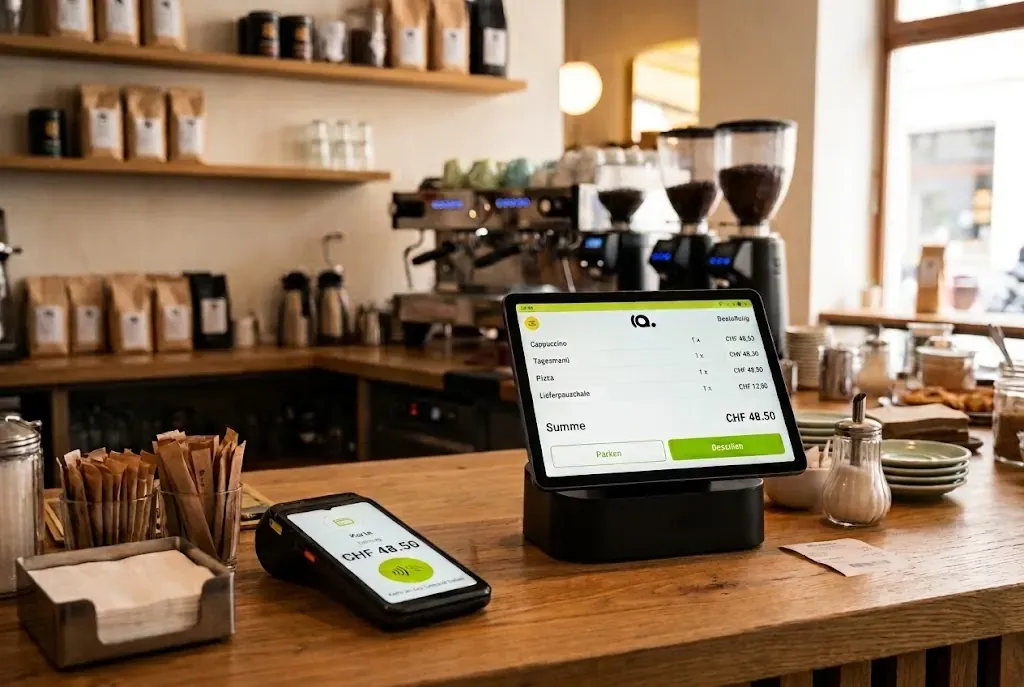
The items come from your menu onto the ticket.
The choice decides the VAT rate.
The order goes where it is prepared.
Card, phone, TWINT or Lunch-Check on the same device.
The payment appears in the portal, with device and location.
Accounting
The route every single amount takes — and the point where it passes into your own processing.
How the data actually reaches your accounting or your stock management system, we work out from the systems you use. This page promises no ready-made interface to a particular product.
Payment infrastructure
Five solutions, one platform behind them.

Menu, ticket and payment on one device, with a receipt printer. The package comes from one of our till partners.

For table service, the terrace and delivery to the front door.
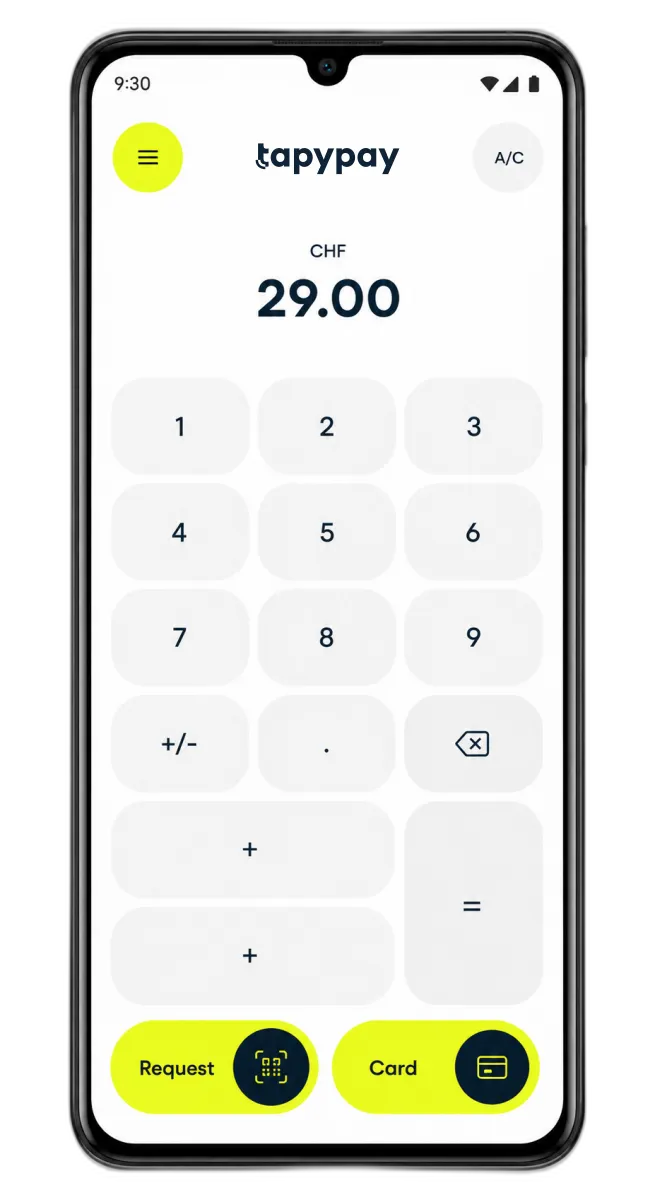
Your couriers' phones become payment terminals. No extra device.

The amount comes straight from your existing till, provided a corresponding integration exists.
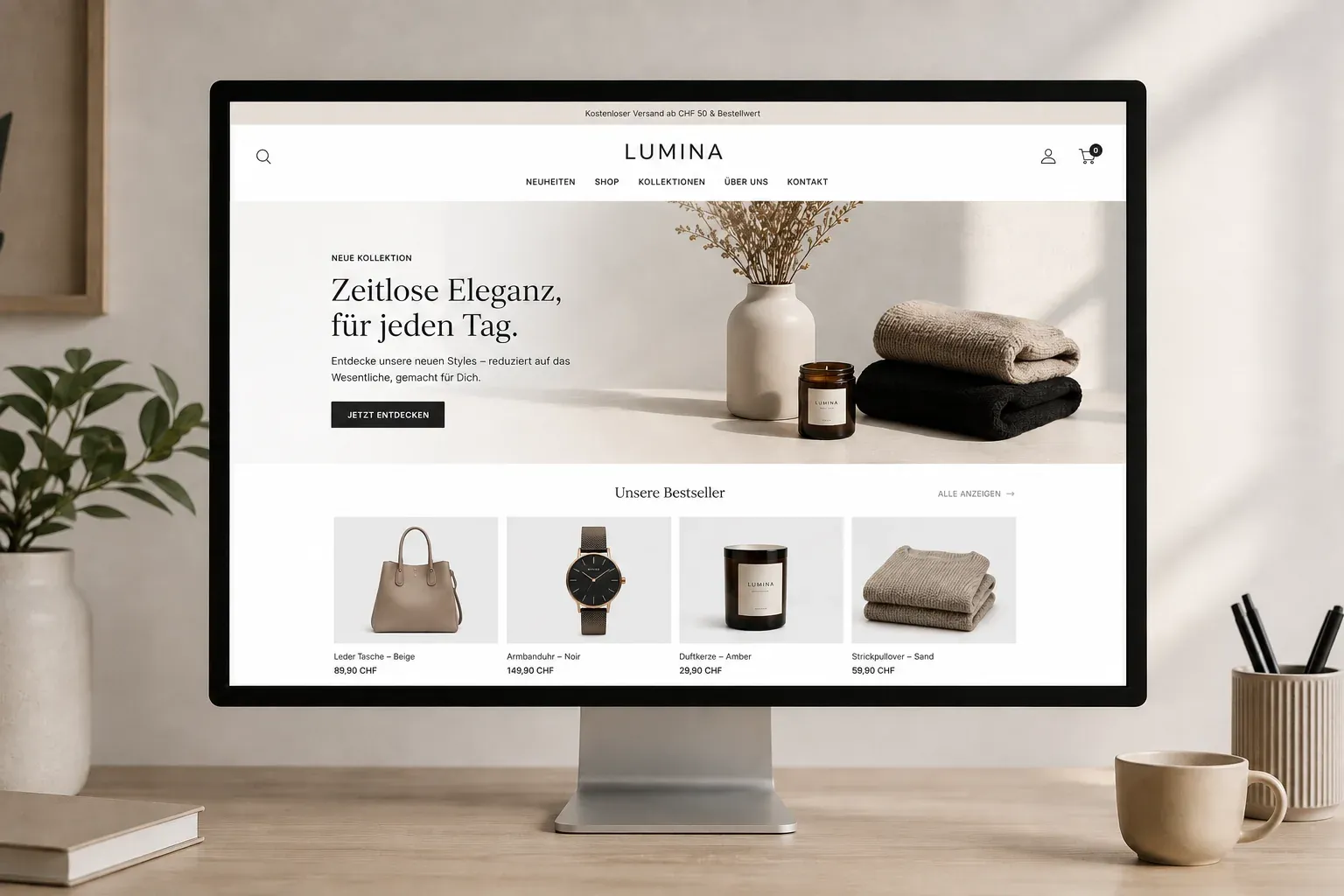
For your own ordering shop and everything paid in advance.
Central overview
One venue or three: in the portal you see what the day brought in, how much of it was tips and when the money reaches the account.
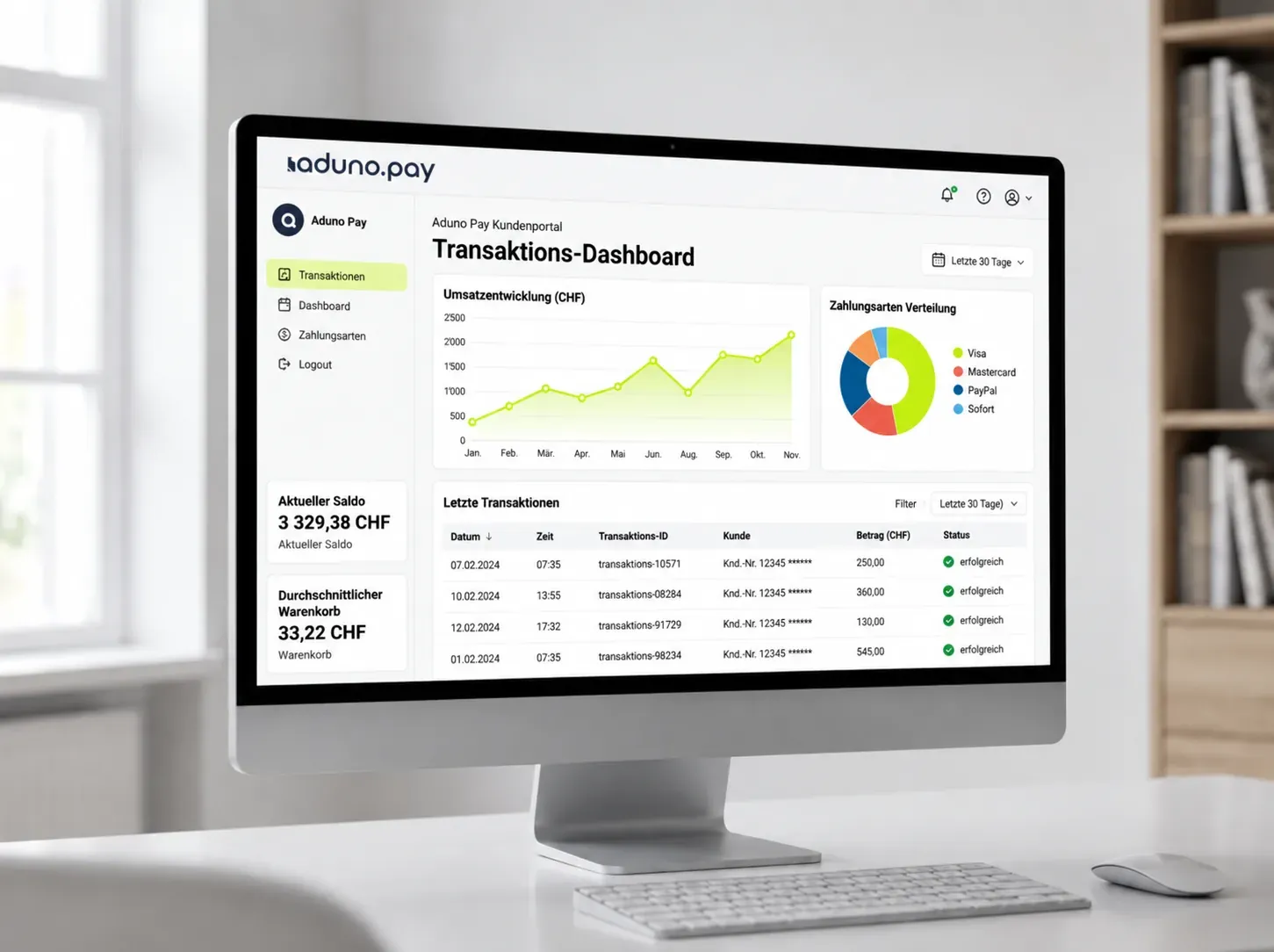
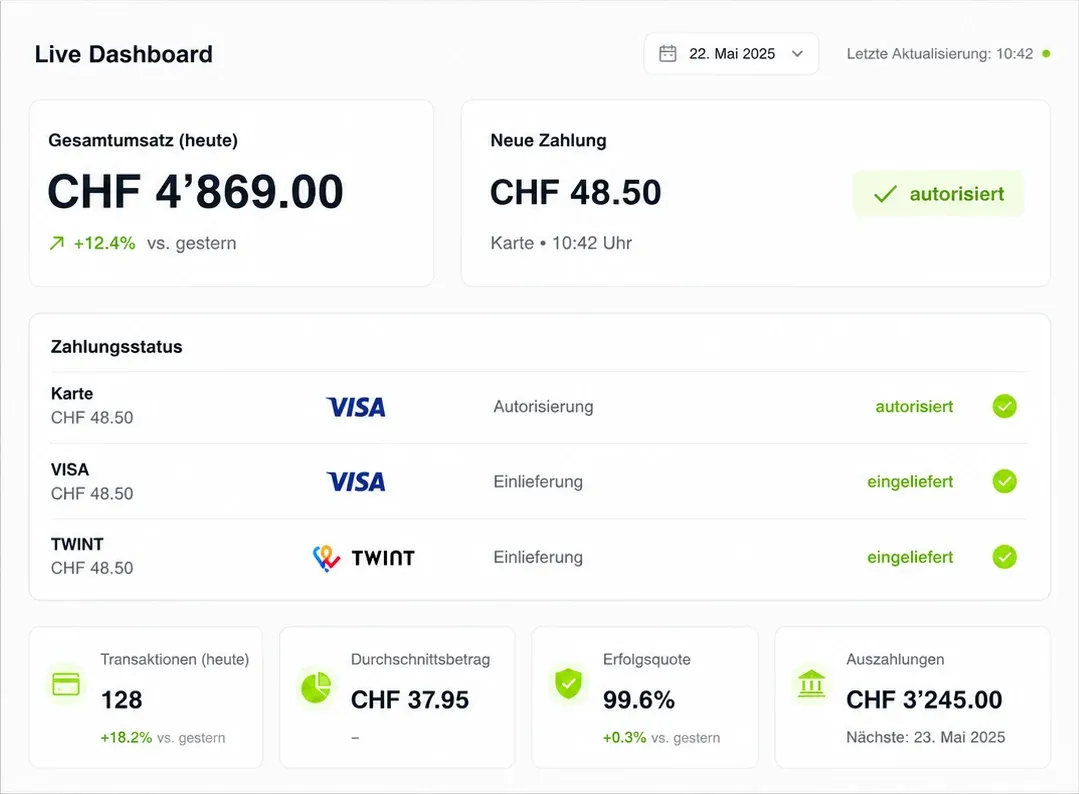
Card, phone, TWINT or the meal card from the employer — your guests pay the way they are used to.
 Visa
 Mastercard
 Apple Pay
 Google Pay
 Samsung Pay
 TWINT
 PostFinance
 Boncard
 Lunch-Check
Till partners
The payment comes from Aduno Pay, the till from the partner. Three systems to choose from — from the handheld at the table to the screen at the entrance.
App-based till — it runs on the payment device or on a separate device.
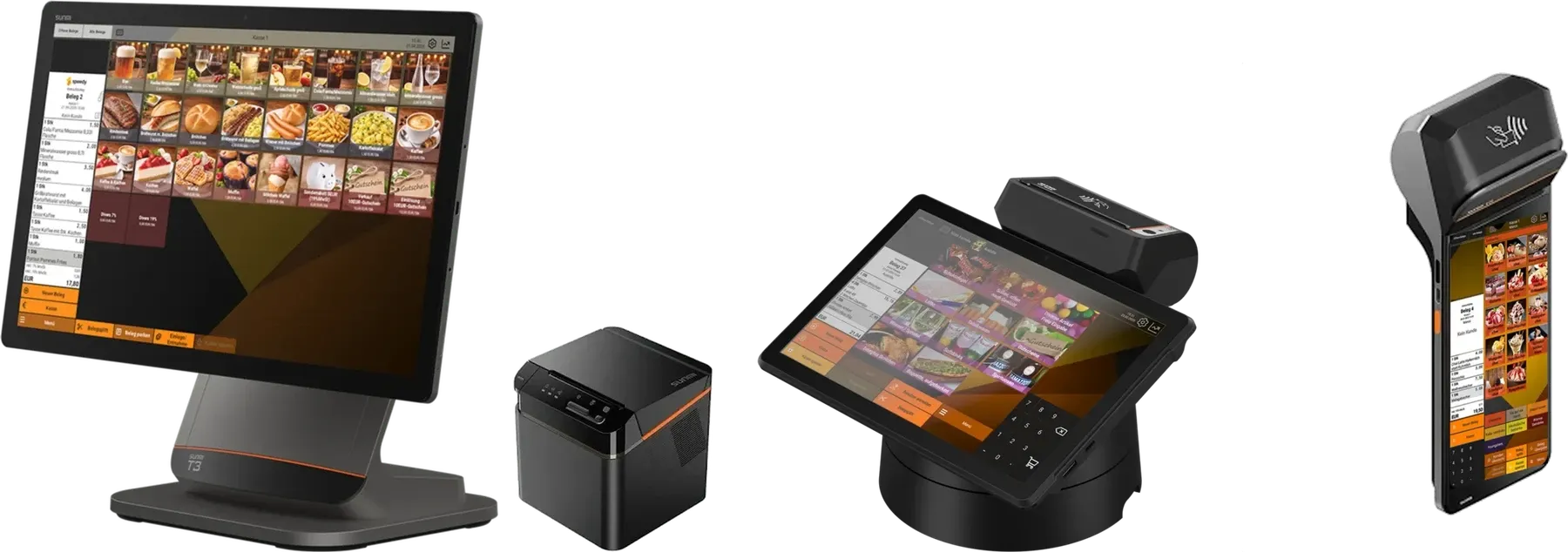
App-based till — it runs straight on the payment device.
Web-based till — in the browser, on the payment device or on a separate device.
| The three systems side by side | Orderzilla | speedy | PepperMarket |
|---|---|---|---|
| Web-based till | No | No | Yes |
| App-based till | Yes | Yes | No |
| Till on the payment device | Yes | Yes | Yes |
| Till on a separate device | Yes | No | Yes |
| Available with every device | Yes | Yes | Yes |
| Central setup of items, categories and VAT rates | Yes | Yes | Yes |
| Item and turnover reporting | Yes | Yes | Yes |
| Shift closing | Yes | Yes | Yes |
| Table reservations | Yes | Yes | Yes |
| Separate ticket printers in the kitchen or bar | Yes | Yes | Yes |
The table shows where the systems differ — not their full range of functions. What a system can do in detail and what the individual packages cost is on its own page.
Tell us what you take payments with today. We will look at how the payment side can be connected to it.
References
No invented voices — the ones here approved their quote.
In the shop and on the road with our couriers, everything runs through Aduno Pay. Simple to use, fast payouts and a support team that really helps.
Costs and origin
Two things people ask about first before buying.
Getting started
Five steps we take together. We keep the effort on your side small.
We look at how your business runs and everywhere payment is taken.
You get a recommendation for the device and till partner and a quote for your business.
You decide at your own pace.
We set up devices, menu and access. The devices arrive ready to use.
A short introduction for your team, then you can start taking payments.
Up and running quickly
Pick the package, sign up online, we check the registration. No conversation needed if you already know what you want.
Pick the package and sign up online — in about three minutes.
We check the registration.
Payment processing by Aduno Pay is ready.
The two working days apply to payment processing by Aduno Pay. The till, the self-ordering screen and integrations are planned separately with you and the partner.
Offer
Reach CHF 200'000 in payment turnover with Visa, Mastercard and TWINT within 12 months and keep using your payment terminal free of charge.
For new customers, with no minimum contract term. The terminal remains the property of Aduno Pay and is provided to you for the duration of the contract.
Cannot be combined with other Aduno Pay promotions.
If the solution does not suit you, you cancel under the applicable terms and return the terminals.
Enquiry
Write us a short note about who you are and how many till points you have. We will get back to you personally and look at it together.
AI answers may contain mistakes. If in doubt, our support team is happy to help you personally.
+41 58 329 31 81Mon – Fri: 7.30 – 21.30 · Weekend: 9.00 – 16.00
Cookies
Without your consent we set no cookies. With it, Google Analytics and HubSpot help us understand how the website is used – you decide what to allow. Privacy policy
Google Analytics — measures which pages are read and where visitors drop off.
HubSpot — links enquiries to the pages they came from and displays call-to-action elements.